The management software you’re looking for doesn’t exist. We build it.
Your rules, your calculations, your vocabulary: a tool developed for your business, not adapted from an off-the-shelf product.
30 minutes by video, no commitment. Pick your slot at the bottom of this page.
What we build
ERP, CRM, dashboards, client portals, AI tools, custom-built around your management rules
- 500+daily users on the largest tool delivered
- 100+sites run from a single dashboard
- 0double entry: a figure typed once flows through the whole tool
Thirty-five seconds
Where is your data? In a spreadsheet, across several tools… then in one system: the pipeline, the dashboard, the field on mobile and the AI assistant, all on the same data. Animated demo: names and amounts are fictitious.
Your company runs on Excel,
and on tools that never talk to each other.
What we most often find when we arrive.
The workbook for tracking, the inbox for requests, a shared folder for quotes, an app for tasks. Each does its job. Together, they make you type the same information three times, and nobody knows which figure is the right one.
Six of the ten signs the spreadsheet has become your management software
- 01
One person knows how the file works, and everyone waits for them to be in.
- 02
There are several versions of the workbook (“v3”, “final”, “final-2”) and nobody is sure which one is right.
- 03
The same information is typed several times: in the quote, then the tracker, then the invoice.
- 04
A formula broke one day, and it was found at invoicing time.
- 05
The file goes out by email for someone to fill in, comes back, and gets merged by hand.
- 06
Friday’s figures are no longer true on Monday, because someone corrected a row without saying so.
| AQuote | BClient | CAmount | DMargin | EStatus | |
|---|---|---|---|---|---|
| 2 | Q-2041 | Client A | 12,400 | 18% | Signed |
| 3 | Q-2042 | Client B | 8,950 | #REF! | Open |
| 4 | Q-2043 | Client C | 23,100 | 22% | Signed? |
| 5 | Q-2044 | Client A | #N/A | to check | |
| 6 | Q-2045 | Client D | 5,600 | 14% | Lost |
Work
Management software running in production, across sectors with nothing in common. The shared thread is not the trade: it is the calculation no off-the-shelf tool knew how to make.
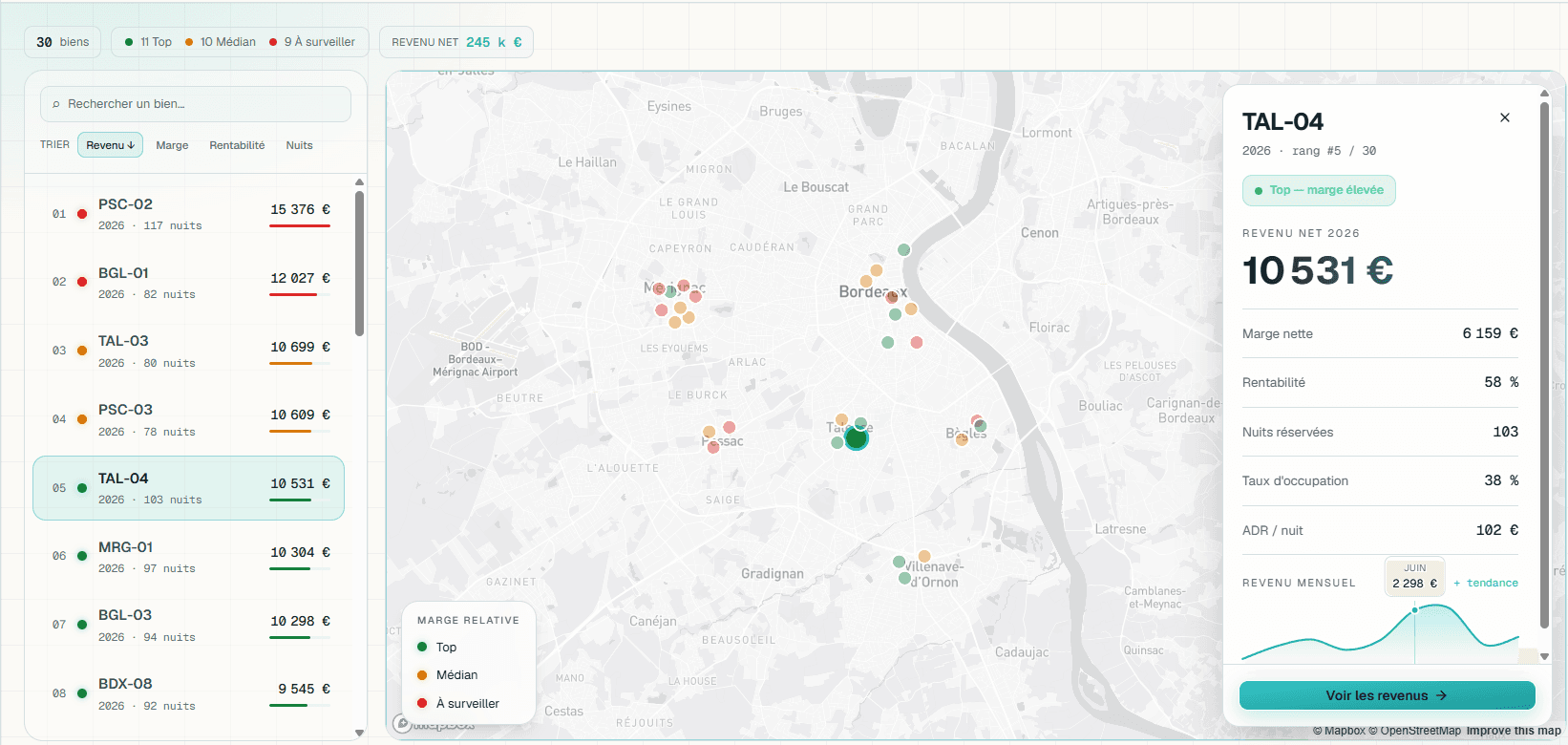
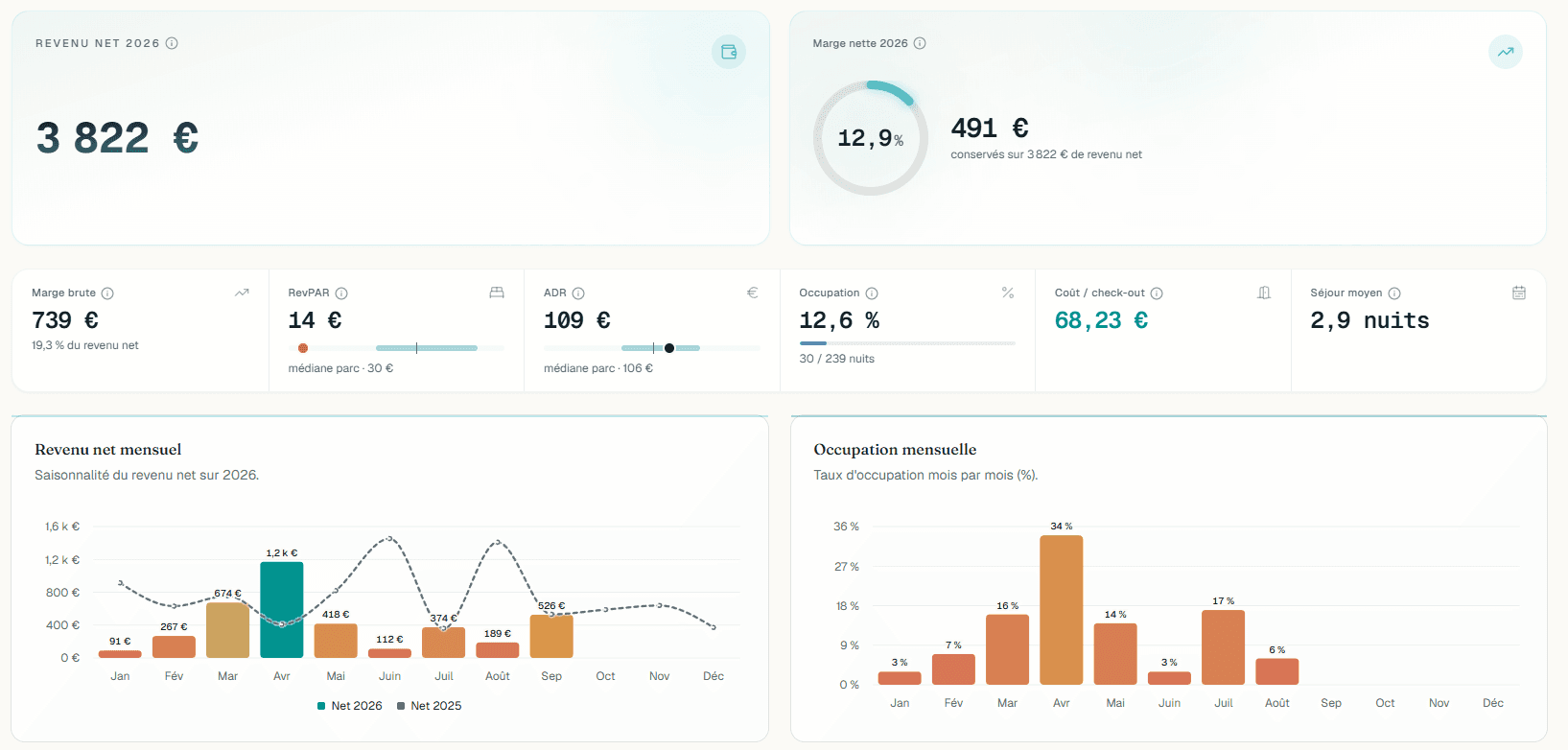
Real profitability for a short-term rental portfolio
A financial dashboard replacing an Excel workbook: automatic consolidation of booking revenue and accounting charges, then real margin computed by unit, by month and by channel.
Read the case study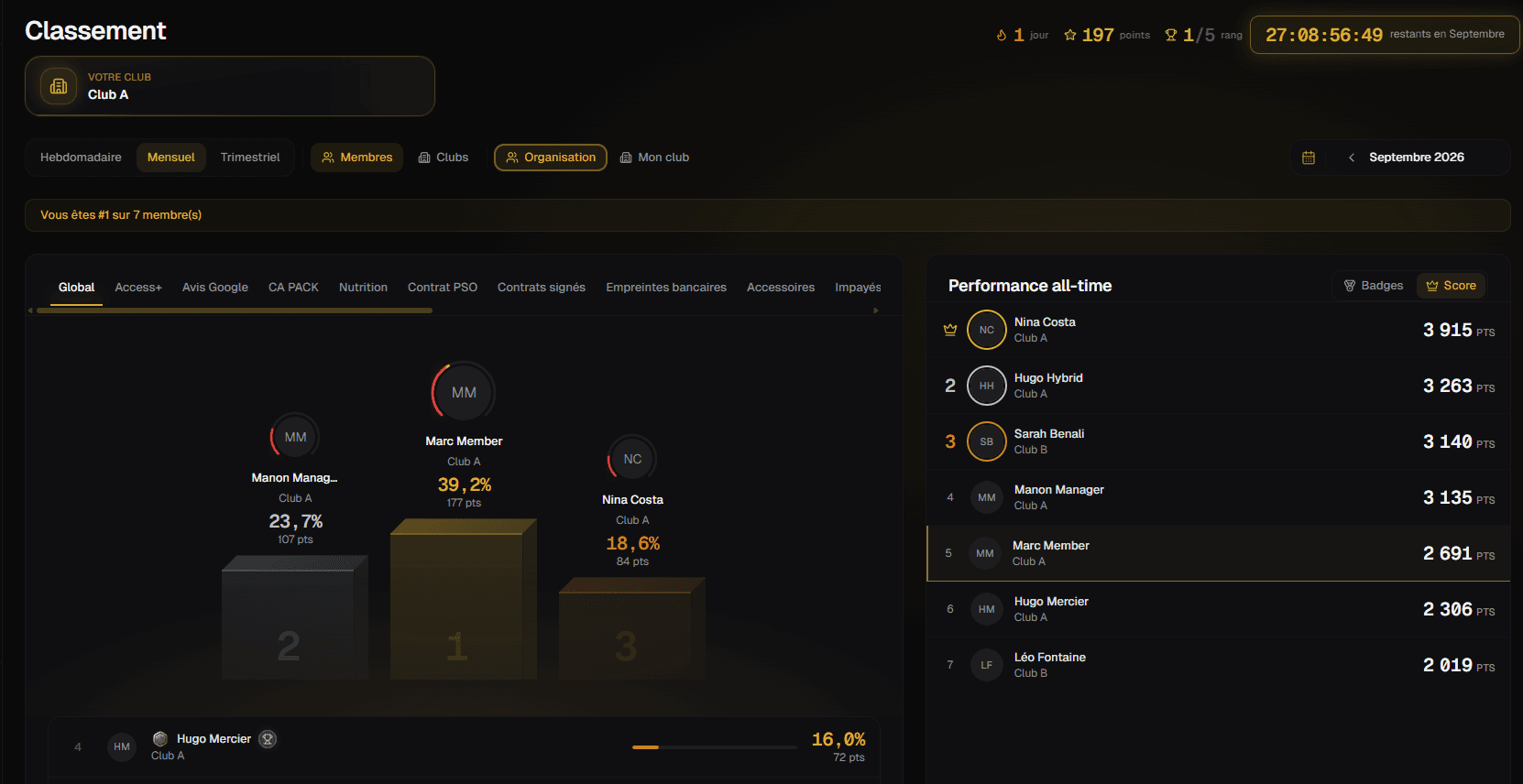
Sales performance for a fitness club network
A sales-tracking portal whose progression mechanics reward consistency as much as raw performance, and stay fair whatever the size of the club.
Read the case studySales pipeline and commissions for a coaching provider
Off a no-code tool and onto a domain application that records commercial facts (appointments, sales, payments), then derives the pipeline, commissions and reporting from them.
Read the case studyA platform for a construction-industry network
Three spaces in a single product, web and mobile: a mapped member directory, a training platform, and management software for the building trade.
Read the case study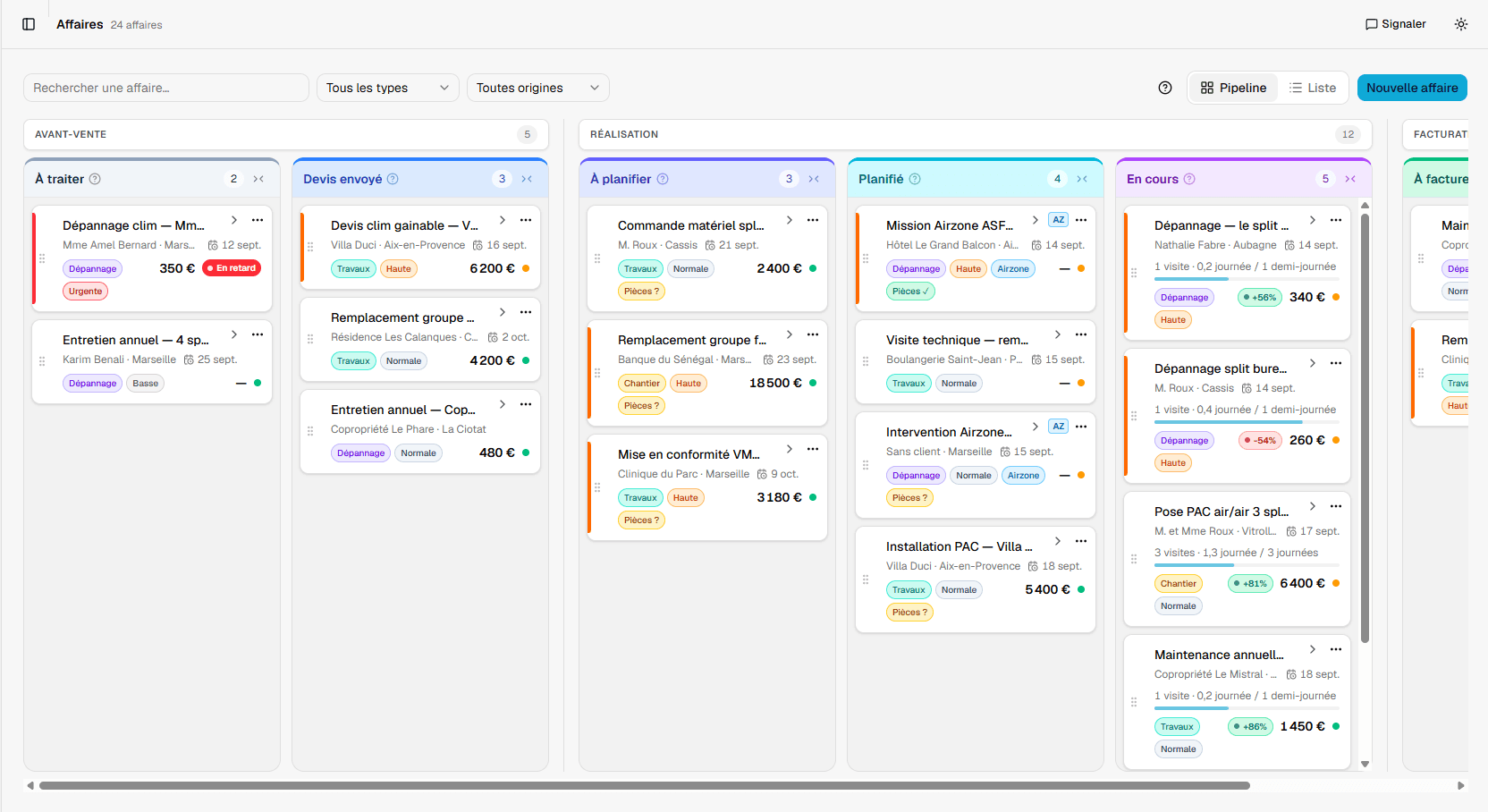
Jobs and field reports for an HVAC installer
A single tool to track jobs, schedule interventions and produce field reports, replacing a general-purpose task manager pushed well past its purpose.
Read the case study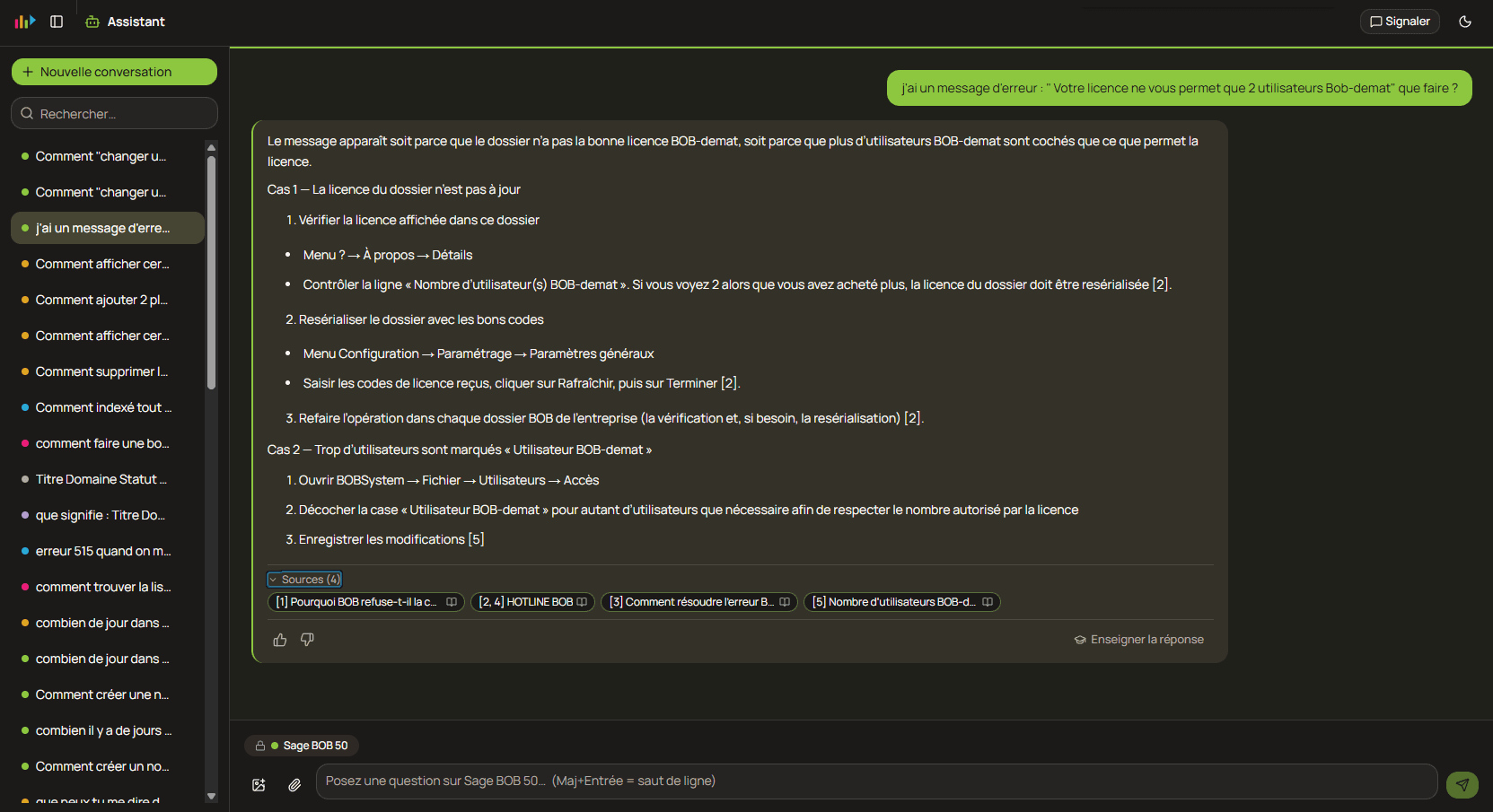
An AI support assistant for a software publisher
A support assistant grounded in the product documentation: it answers agents while citing the exact passage the answer came from, and stays silent rather than inventing.
Read the case studyEvery tool can store. None can compute the way you do.
Quotes, orders, stock, invoicing, margins: these mechanics look alike from one company to the next, right up to the calculation that belongs to you alone.
As long as that calculation lives only in a spreadsheet or in someone’s head, it gets replayed from memory and it drifts. Encoded in the system it becomes a single rule, applied the same way everywhere, tracing back to whatever produced it.
The commission
It triggers on payment received, not on signature.
The cost price
Reached by your method, not by an average.
The split
Across several entities, the way nobody else does it.
- The rule encoded, not worked around
- Every figure traces back to its source
- What exists is carried over, not discarded
What we do
One point of contact, from framing to production. And what exists (spreadsheet, no-code base, history) carried over rule by rule, never thrown away.
Custom ERP and business applications
The central tool the market does not offer for the way you work: quotes, orders, invoicing, stock, field jobs. Your rules and your exceptions encoded, not worked around. Web and mobile.
Learn moreCRM and sales management
Deal tracking the way you actually practise it: your sales cycle, your follow-ups, and the calculations that come with them, like the commission that triggers on payment, never on signature.
Learn moreDashboards and steering
Your numbers in one place, computed by your method, tracing back to their source. Profitability unit by unit, performance site by site, not an average pulled from an export.
Learn moreClient portals and integrated AI tools
The space where your clients or members consult, enter and track their files. And when AI has a place, it goes inside the tool, with a source to cite, not into a window parked next to the work.
Learn moreBefore AI, the system
Plugged into scattered files, AI produces plausible answers, some of them wrong, with no way of telling which. There is no shortcut: first the system that holds the facts, then AI inside it, where it has a source to cite.
The system first
Facts in the right place, with their rules and their history. Without that base, the rest is well-written guesswork.
Then the integration
AI goes into the existing processes (at data entry, at search, at review), not into a chat window parked next to the work.
Always the source
Our assistants cite the document their conclusion comes from, and say they do not know rather than invent.
How we work
Four steps, in this order. Each one produces something you can judge.
- 01
Understand the trade
We spend time with the people who will do the work. We write down the vocabulary, the exceptions, and what is already being worked around by hand. This is where software that gets used parts ways with software that gets abandoned.
- 02
Scope and estimate
A written scope, cut into deliverables, with what is in and what waits. You get an estimate that holds because it rests on what we saw, not on a standard rate card.
- 03
Build in increments
A usable version arrives within the first month and grows. You see the software running at every iteration, on a real environment, instead of a mockup at the end.
- 04
Ship and support
Deployment, data migration, training, monitoring. Then the changes, because the business moves and the software has to move with it.
Weeks, not months
A custom management tool is not a two-year programme. The scope is cut to ship early, and the schedule is judged at every iteration, not at the end of the project.
Something real within the first month
You judge the software running, on a real environment, not mockups or status reports. A wrong direction shows early, while it is still cheap to correct.
A first conversation, no strings
Describe your project: you leave with an honest read on feasibility and scope. Even when the answer is that you do not need us.
Frequently asked questions
What we are asked before the first meeting.
Is custom development more expensive than off-the-shelf software?
The comparison is not made on the sticker price. A packaged product is paid for in per-user licences, in configuration, then in workarounds: the spreadsheets that pick up what it cannot calculate, the re-keying, the time spent reconciling two sources that disagree. A custom tool is paid for once, at build time, and what it calculates is what you calculate. The figure comes after scoping, against a written scope, never before.
How does a project start?
By writing down your management rules, before any line of code. We start from what is blocking today: the calculation you redo by hand, the export you rework every month, the data that exists in two places and drifts apart. Until a rule is written down and confirmed by you, it is not built.
What happens to our spreadsheet or no-code base?
It is taken over rule by rule, not thrown away. A spreadsheet that has been running for five years holds decisions nobody documented: that is the raw material of the scoping, not an obstacle. The history is migrated, the logic is read back with you, then encoded once and for all.
Which sectors do you work in?
The trades with a delivered engagement behind them: HVAC, construction, coaching and training, short-term rental, gyms, software publishing. Others are documented because their management rules are neighbouring ones, and their pages state plainly that no engagement covers them yet. The distinction is made page by page, not left to interpretation.
Does AI replace management software?
No. A model does not know your rules: it produces a plausible answer, not a correct calculation. AI belongs inside the tool, once the data is structured and a source can be cited, to find, to summarise, to pre-fill. Not to decide in place of the calculation.
Who will actually work on the project?
The Zora team, from the first scoping to production. We have mapped out the rules of trades that have little in common, and we learn yours the same way: fast, in black and white, before writing a line of code. On larger builds we reinforce the team with Flowli, our partner agency, alongside which part of the portfolio was delivered. The registration and the founder’s name are published.
Book a first exchange
Thirty minutes by video to understand what you manage today and what you are looking to build. Pick the day, then the time; the confirmation arrives by email.